Hola25
Hola25 Logo
Hola25
Available users
Referral program

Recommend Hola25 and earn rewards

You have your own link. When someone creates an account through it and takes paid lessons, you earn a percentage of the Hola25 commission, for as long as that account exists.
hola25.com/r/ana-mateexample
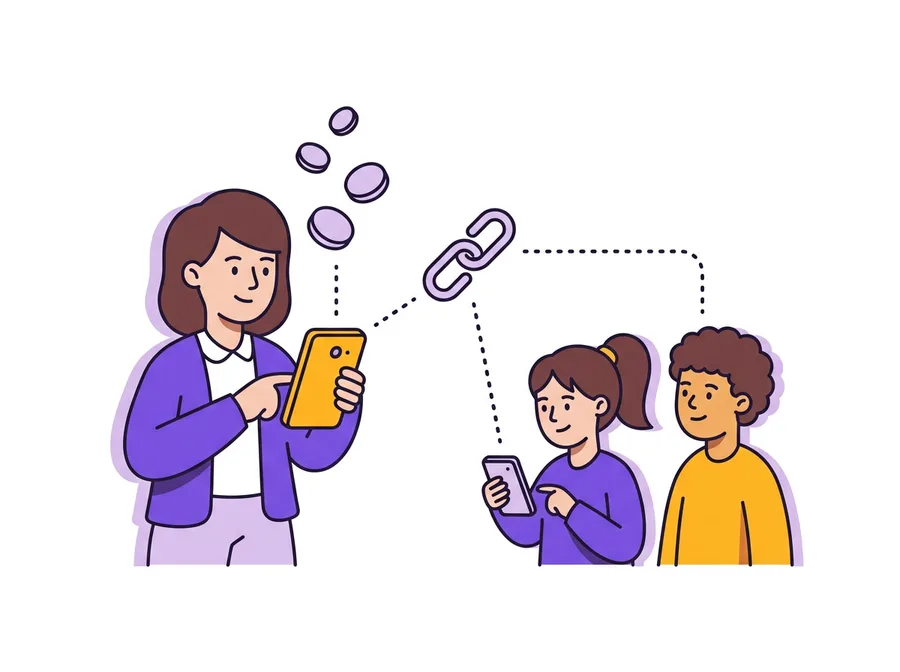
Illustration: a teacher sends a link to two students

How it works

1

Choose your link name

For example hola25.com/r/ana-mate. The name may need approval and cannot be changed afterwards.

2

Share it

The link opens your teacher page. From there, the person creates an account.

3

Earn rewards

Each time the new account takes a paid lesson, with any teacher.

What you earn

  • A percentage of the commission Hola25 retains, excluding VAT. The lesson price and the earnings of the teacher who gives the lesson do not change.
  • Rewards for as long as the referred account exists, not only on the first lesson.
  • The percentage rises by level as more referred accounts take paid lessons.
  • One-to-one and group lessons count, including those a parent buys for their children.
  • Trial lessons paid in lei earn a separate, capped bonus.

You can see the current levels and percentages in the Referrals tab of your account.

What the new account may receive

A new account may receive a welcome benefit: a discount on the first paid lesson or a free trial lesson, as the link shows. It can be used once and does not combine with other discounts.

Good to know

Who can take partTeachers with an active paid offer and Stripe payouts set up.
New accounts onlyThe account must be created through your link. An existing account cannot be attached later, and your own account does not count.
WithdrawalsTo your Stripe account, from a minimum amount, after a check by Hola25.
TaxesDeclaring the income from the program is your responsibility.
PrivacyYou only see totals: sign-ups, accounts with lessons and amounts. You do not see who signed up.
The program can changeHola25 can change, pause or stop the program.

Get your referral link

You can find it in your teacher account, under Referrals.

Open Referrals
A teacher waving goodbye to his student at the end of an online lesson